Properties: your agency's portfolio
5 min read
Open in Oria CRM →The list
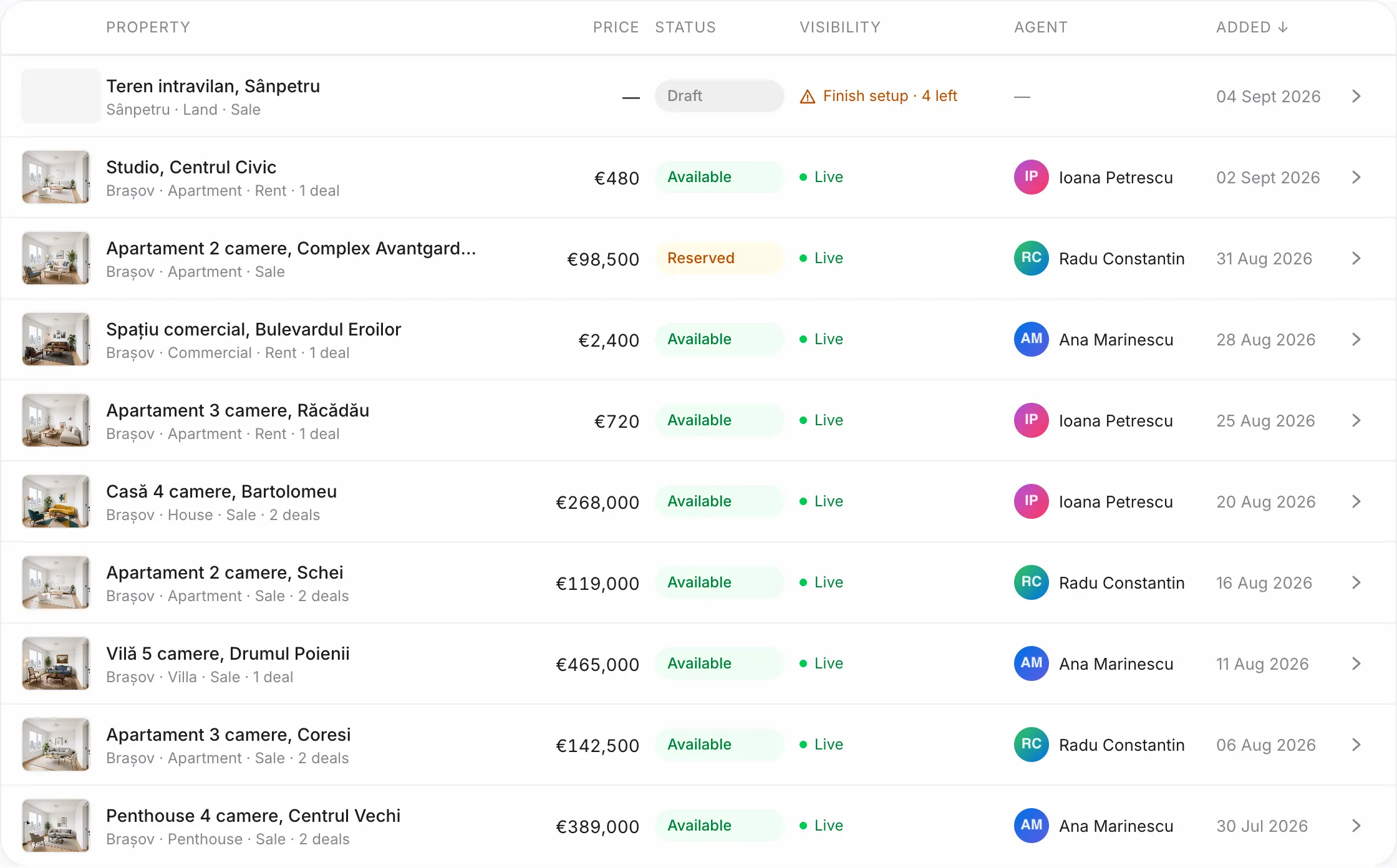
Properties shows every listing with its status: Draft, Available, Reserved, Sold, Rented, Archived. Search by text, filter by sale / rent and by kind, sort by price or date. The chips above the list filter by status and show how many listings each one has. Export CSV downloads exactly the filtered list. The owner and managers can bring in a whole portfolio with Import CSV / Excel.
Add a property
- Press New property.
- Fill in the basics: title, price, city, kind and Agent (public contact). The owner is picked under Owner contact from your contacts.
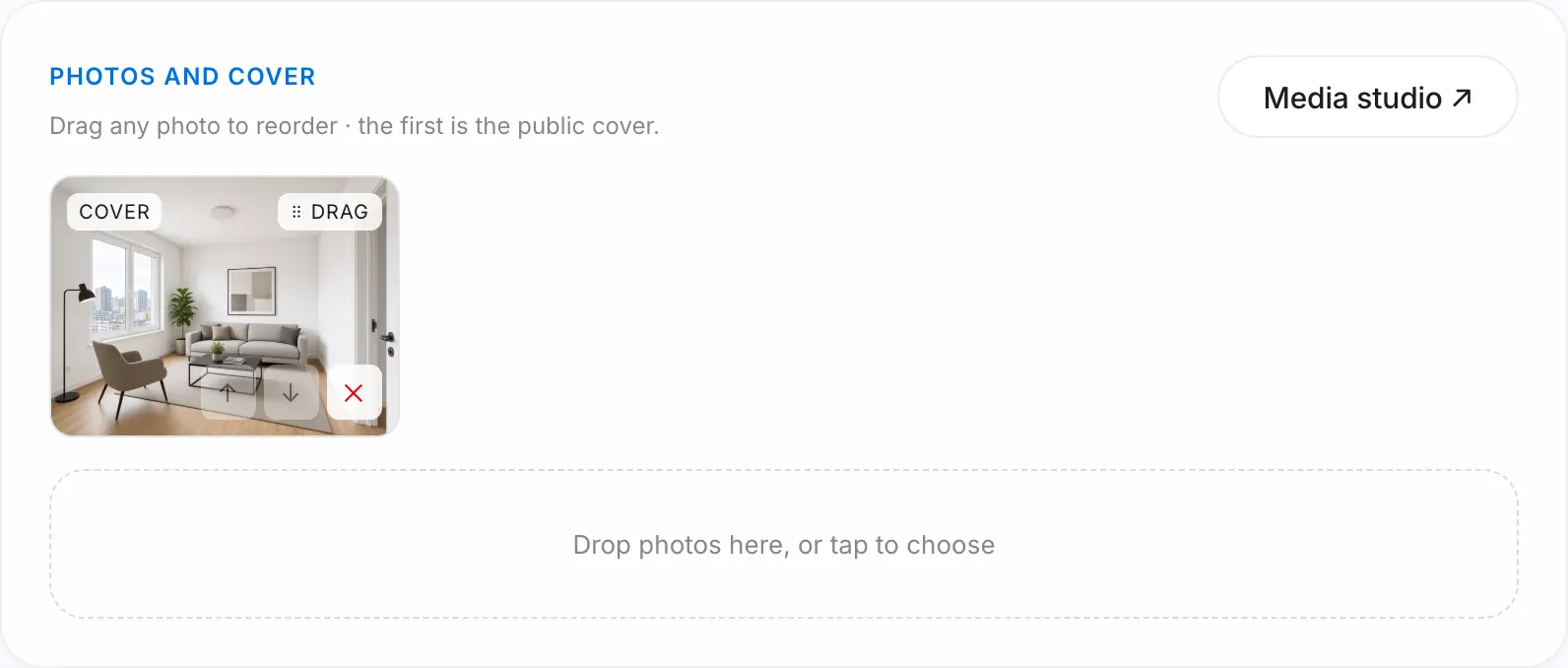
- Save. You land in the editor, where you add photos, the floor plan and the remaining details.
The checklist
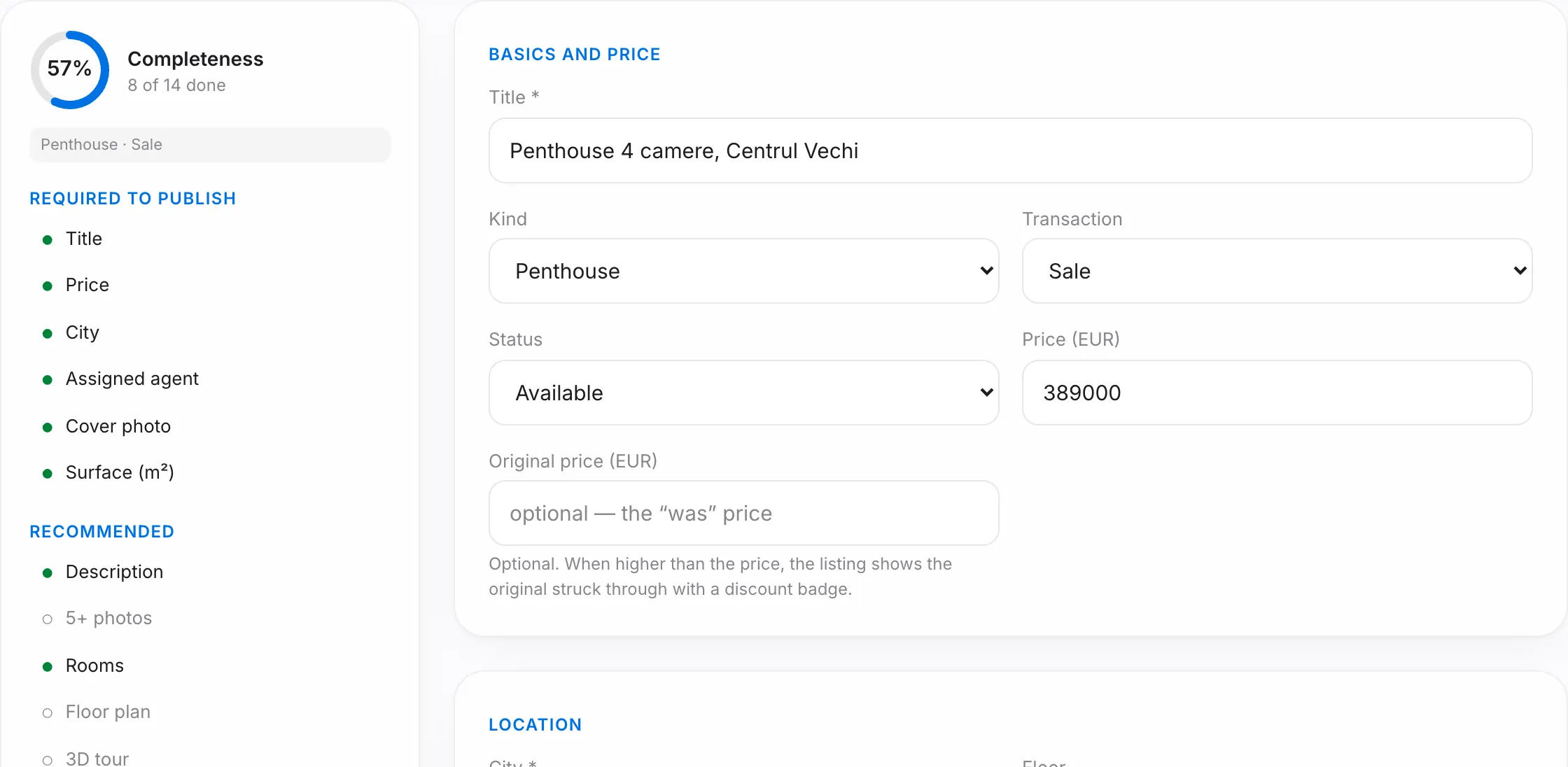
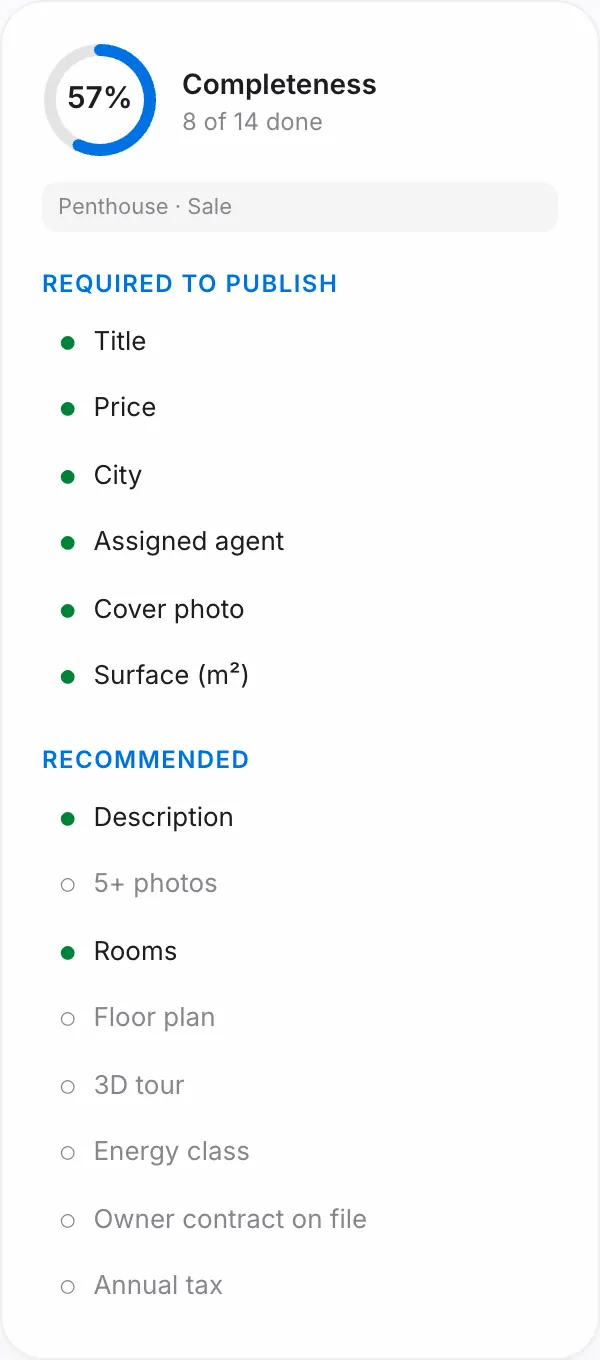
In the editor, the Completeness panel shows what is missing, split into Required to publish and Recommended, with a percentage. Recommendations depend on kind and transaction: description, 5+ photos, floor plan, energy class; for rentals, the available-from date and monthly costs; for sales, the owner contract and the annual tax. The contract is uploaded to a private space visible only to your team.
Where clients see it
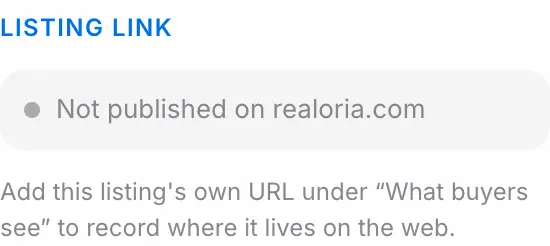
Your agency's properties do not appear on realoria.com. You publish them to the portals straight from the editor: connect the agency's account once under imobiliare.ro or storia.ro in the sidebar, then press Check and Publish on the portal's card in the editor. Leads and messages from the portals land in Contacts and Deals on their own. The steps are in the "Portals and viewing sheets" guide.
For your own website, under What buyers see in the form, fill in External listing URL; after saving it shows in the editor as a direct link.
The owner and the buyers
- Matching buyers: contacts whose brief fits the listing, with call and WhatsApp right there.
- Owner report: download a PDF or create a read-only link for the owner, with the status, enquiries, viewings and the feedback you choose to share.
- Property report: an A4 PDF brochure with the photos, the facts and the location.
Statuses and archiving
When a deal reaches Won, the property moves to Sold or Rented on its own. Properties with deals are not deleted; use Archive property in the danger zone instead. A property still live on imobiliare.ro or Storia cannot be deleted; take it down from the portal's card first.
Good to know
- Every property needs an assigned agent; if there is none yet, add one under Agents.
- In the properties list, the visibility column shows how many required fields are still missing.