Contacts: the people in your pipeline
3 min read
Open in Oria CRM →What contacts are
A contact is any person you work with: Owner, Buyer, Renter or Other. Owners link to properties, everyone else links to deals. The list shows each contact's number of deals.
Add a contact
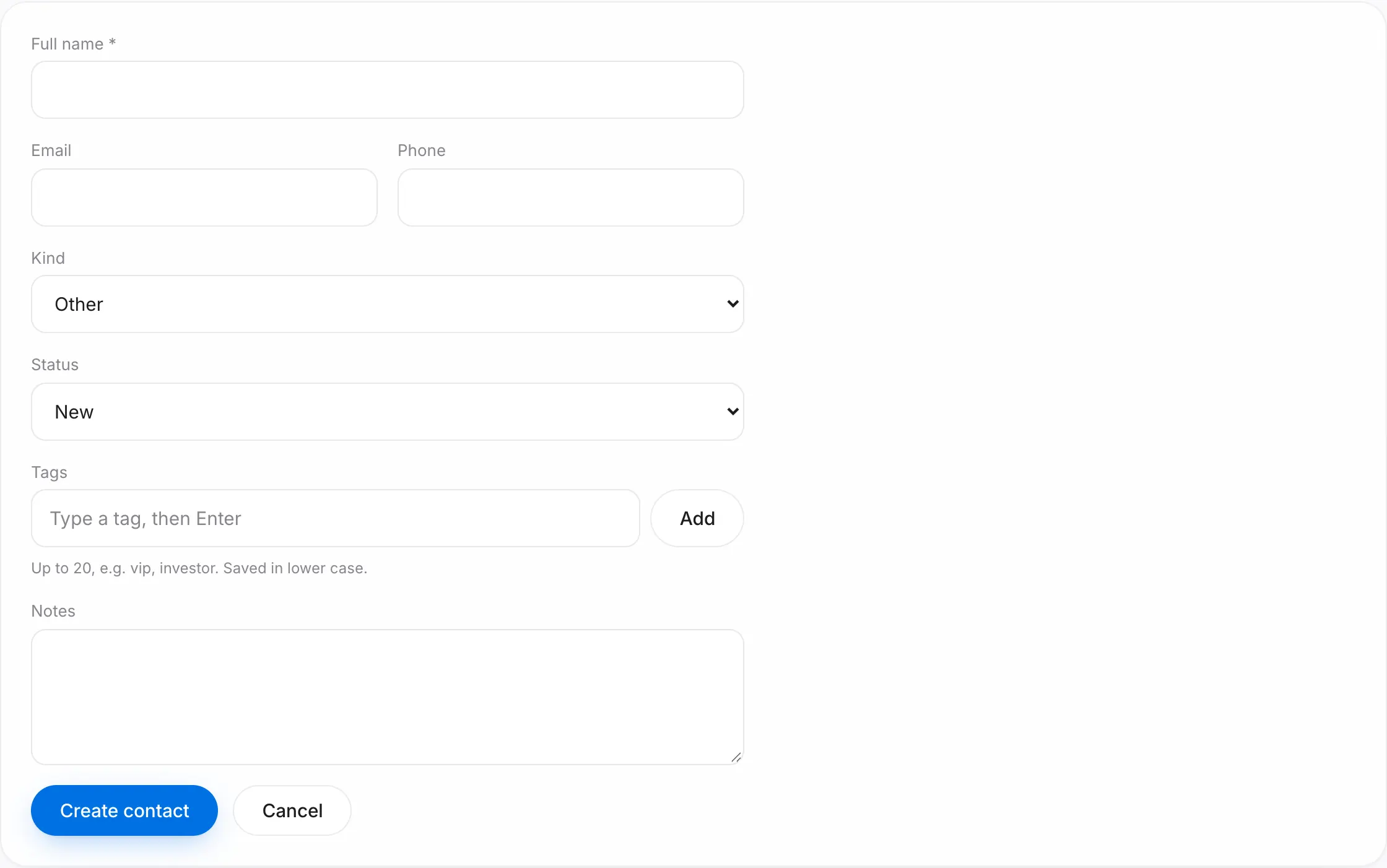
- Open Contacts and press New contact.
- Fill in the name, the kind, the status and the contact details. Optionally add tags, for example vip or investor. Press Create contact. If the phone or e-mail is already in your contacts, the form shows the existing contact: open it with Open or carry on with Create anyway.
- You land on the contact's page, where their deals and properties appear as you create them.
You can also add a contact on the fly while creating a deal: choose + New contact… in the deal form.
Find a contact
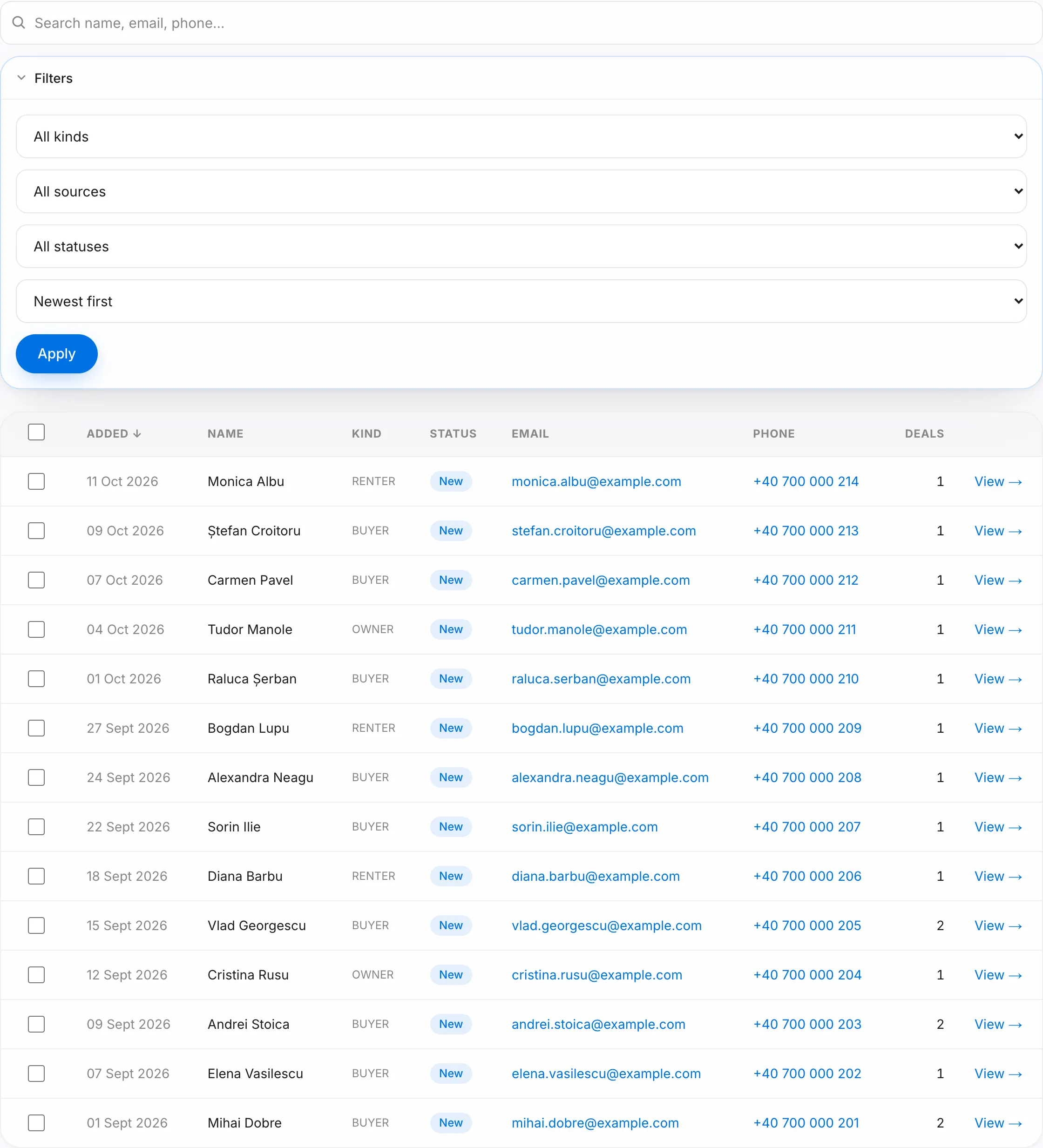
Search by name, e-mail or phone. In the filters, pick the kind, source, status, tag and the order of the list. If your login is linked to an agent profile, the list opens on Mine; press Everyone to see all of the agency's contacts. Long lists are paginated; use the buttons under the table. Double-click a row to open the contact; on a phone, tap the card.
The contact page
- At the top: the kind, phone and e-mail with call and WhatsApp buttons, the status (change it right there), the source, the tags and Assigned agent.
- Looking for: what a buyer or renter wants (transaction, type, city, budget). Once it is recorded, the page shows the listings that fit.
- Activity: press Log to note a call, a message or a meeting, or pick Follow up to set a follow-up. Follow-ups show on Today.
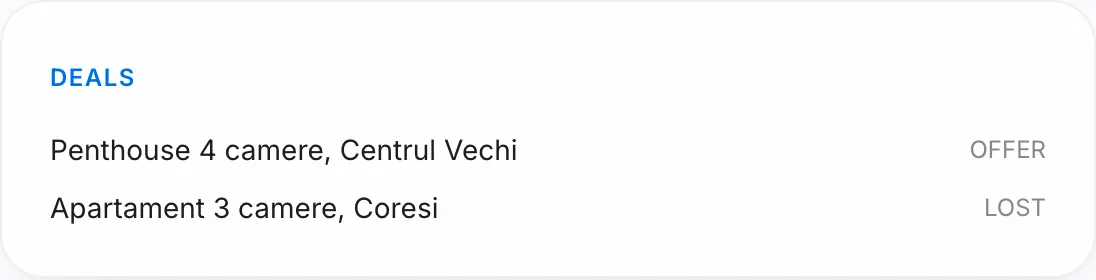
- Deals: every opportunity they appear in, with its stage.
- Owned properties: the listings they own.
- Personal data (GDPR): the legal basis and, for the owner and managers, Download JSON and Download PDF for an access request.
- Edit details: opens the form; edit and save.
- Danger zone: Erase this person, for a data-erasure request. Press See what will be erased, check the list, type ȘTERGE and press Erase for good. Their personal data goes; deals keep their stage and prices, and contracts and signed viewing sheets stay as legal records. Only the agency owner and managers see this section.
Saved views
Once the filters and order look right, press Save view and give it a name. It then sits above the list. Tick Share with the team so every colleague sees it; only you can change it.
Good to know
- A property's owner is chosen in the property form's Owner contact field; the list shows only your organization's contacts.
- The owner and managers get Import CSV / Excel, Export CSV and Export Excel on the list; an export downloads the list as filtered. The steps are in the "Import and export: your agency's data" guide.
- Tick several contacts and pick an agent in the bar that appears to assign them at once (up to 200).
- Kiko can create and update contacts for you. Ask it, for example, "add a buyer named …".