Portals and viewing sheets
5 min read
Open in Oria CRM →Connect imobiliare.ro and Storia
Oria publishes to your agency's own accounts on the portals. You connect each portal once, from the sidebar, under Listings: imobiliare.ro and storia.ro. Anyone on the team can connect a portal and publish or take down listings.
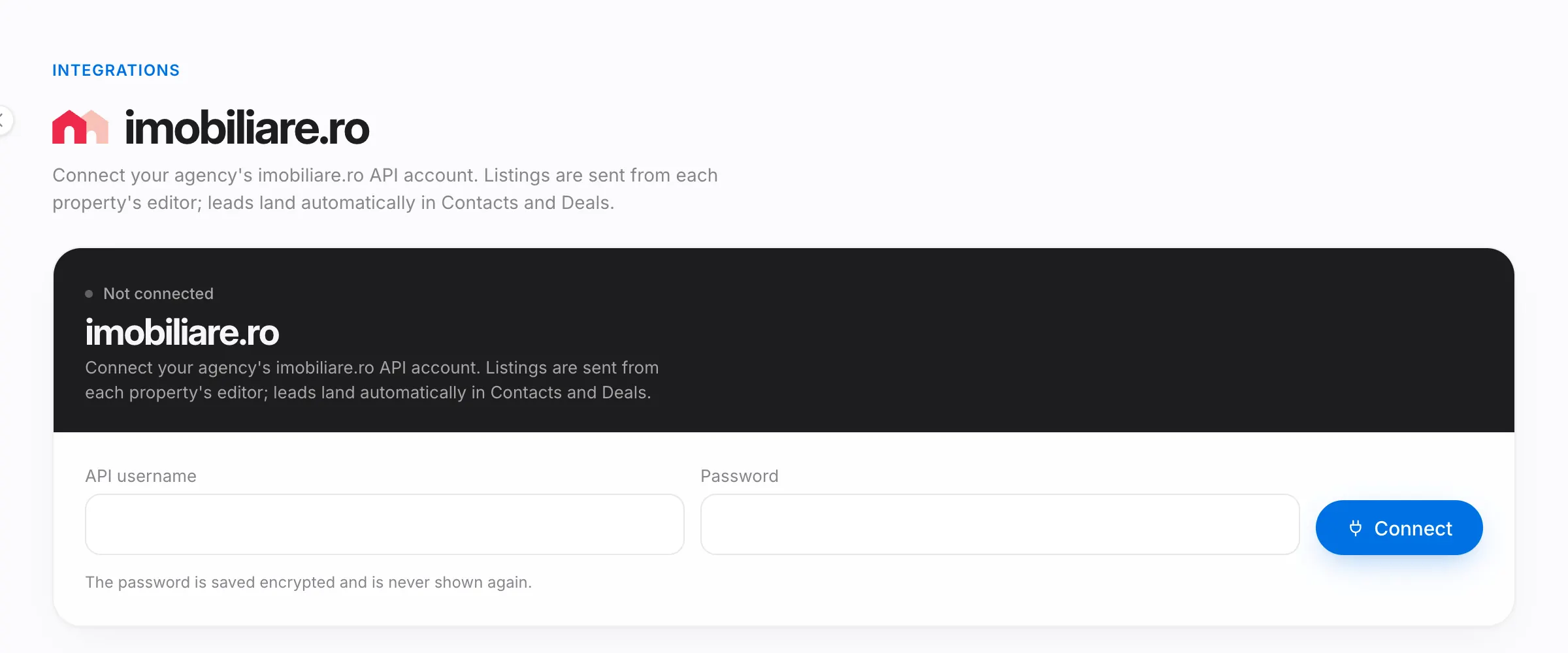
For imobiliare.ro:
- Open imobiliare.ro in the sidebar.
- Fill in API username and Password, the agency's imobiliare.ro API account details, and press Connect. The password is saved encrypted.
- The page then shows the connected account, the listings sent and the leads received.
For Storia:
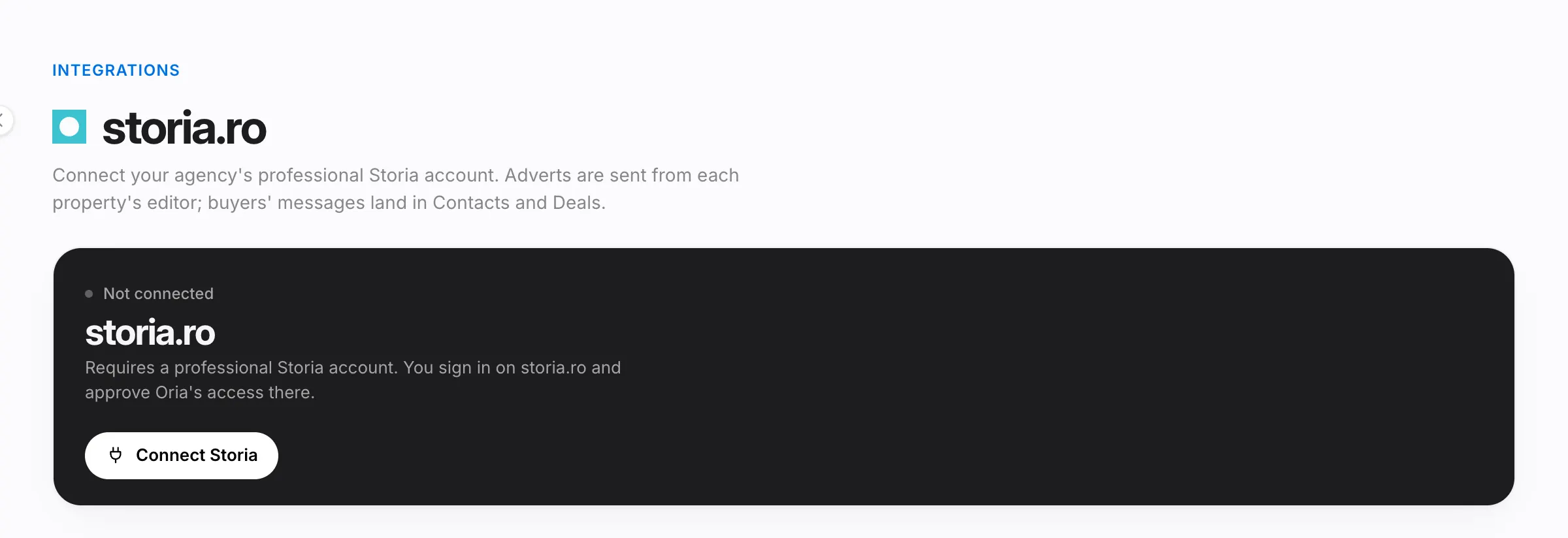
- Open storia.ro in the sidebar and press Connect Storia. You need a professional Storia account.
- Sign in on storia.ro and approve Oria's access there; you then come back to Oria on your own.
- Connecting is done from a computer's browser, not from the phone app. The rest of the page works in the app too.
Publish a listing
The property editor has one card per portal. On a phone, the cards sit under Deals, contracts, portals and more. What gets sent: the title, description, price, surfaces, rooms and floor, the map location, the photos, the floor plans (as images) and the assigned agent with their phone and e-mail. Videos are not sent.
- On the imobiliare.ro card, check the category and press Check. The card shows what is missing, for example an agent with a phone and e-mail, a long enough description, the map pin, the price or the photos, and any warnings.
- Press Send as draft to keep the listing unpublished in your imobiliare.ro account, or Publish to put it online.
- On the Storia card, press Check, then Publish. Storia handles the request in the background, usually within a minute.
Each card shows the steps (on imobiliare.ro Check, On imobiliare.ro, Online; on Storia Check, Sent, Live) and the listing's state in words. View listing and View on Storia open it on the portal. Each portal's page in the sidebar lists every listing sent, with its state.
To change or take down a listing:
- Changes in Oria are not sent on their own. When the card says the property has changed since the last send, press Update.
- On imobiliare.ro, Unpublish moves the listing back to draft, and Remove from imobiliare.ro takes it off completely; you can resend it any time.
- On Storia, Deactivate hides the advert and Activate brings it back. Delete is permanent: publishing again creates a new advert.
- When you sell or rent the property, the listing is not taken down on its own. The card tells you; take it down yourself.
A property still on imobiliare.ro (even as a draft) or on Storia cannot be deleted from Oria. Take it off the portal first, from its card.
Leads from imobiliare.ro and buyers' messages from Storia land in Contacts and Deals on their own. The person is looked up by phone or e-mail; if they aren't there, a new contact is created. The deal opens on the listing's property and goes to the property's agent; if the person already has an open deal on that property, that one is used. You also see them on the portal's page, under Leads received and Messages.
Viewing sheets
A viewing sheet is the document visitors sign at a viewing, on the agent's phone. The sheet carries the agency's legal details, the agent, the property, the viewing date, the commission and the no-bypass period.
Before the first sheet, the owner or a manager fills in Legal details on the Team page: the company name, CUI, registered address and the default no-bypass period. Without the first three no sheet can be created; other teammates see a message asking them to talk to the owner or a manager.
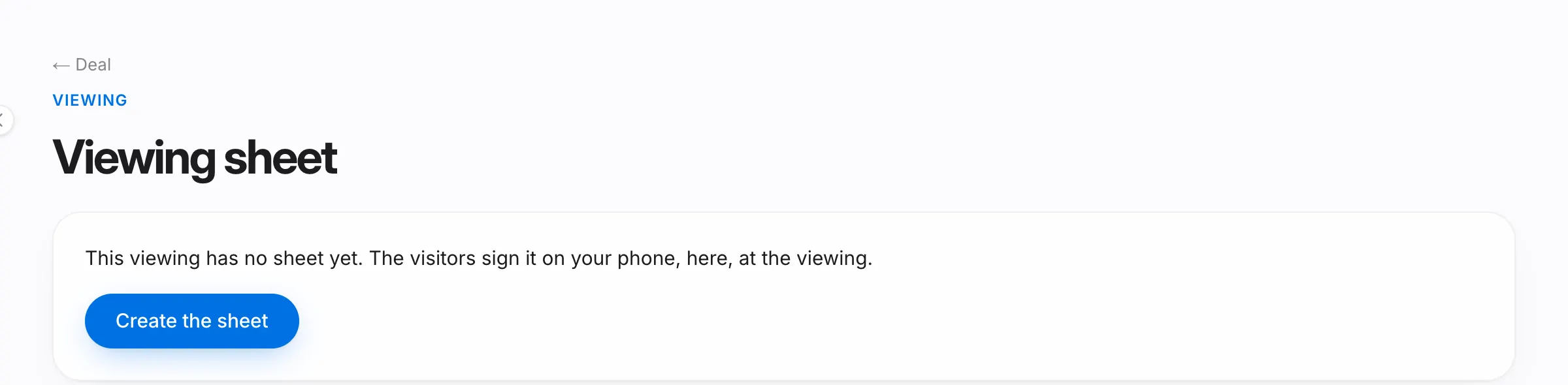
- In the deal, on the viewing, press Viewing sheet, then Create the sheet.
- Check the commission (it starts from the deal's buyer commission and must be more than 0) and the no-bypass period. Add co-visitors with Add a co-visitor, up to three, then press Save.
- Press Start signing. From here on, the sheet's text can't be changed.
- Press Hand the phone to the first signer. Each visitor reads the sheet, types their full name, ticks I have read and agree, signs with a finger and presses Sign. The screen tells them who to pass the phone to, and at the end to hand it back to the agent.
- Once everyone has signed, the sheet shows Signed ✓.
The signed sheet is saved as a PDF in Oria, in the agency's private space. In the deal, on the viewing, Open PDF opens it straight away, and Sheet signed ✓ takes you to the sheet, with Download PDF and Share. The PDF's last page lists every step of the sheet: who signed and when.
If a co-visitor won't sign, take them off with Remove; the signatures already given stay. While nobody has signed, you can drop the sheet with Discard the sheet.
After the first signature, the sheet is kept:
- The viewing and the deal can no longer be deleted.
- When you erase a person's data for a GDPR request, signed sheets are kept.
- Only the owner and managers can void the sheet, with a reason, through Void the sheet. The voided sheet stays, with its signatures, under Voided sheets, and a new sheet can be signed for the viewing.
Good to know
- The sheet is shown and signed in Romanian only.
- For imobiliare.ro leads to reach Oria, imobiliare.ro support has to register the webhook address; the page reminds you until the first lead arrives.
- If you disconnect a portal, the listings already published stay on it.